Why teams move away from stickers
Stickers add two tasks after printing: peeling and placement. On small runs that is fine. On 80-120 holders it becomes repetitive work where alignment and spelling checks are easy to miss.
Holder-first layout basics
- Keep text centered and consistent across all holders.
- Use the same three fields every time: room number, guest name, breakfast.
- Clip the key behind the holder the same way for every card.
- Lay out by alphabet or subgroup, not by chance order.
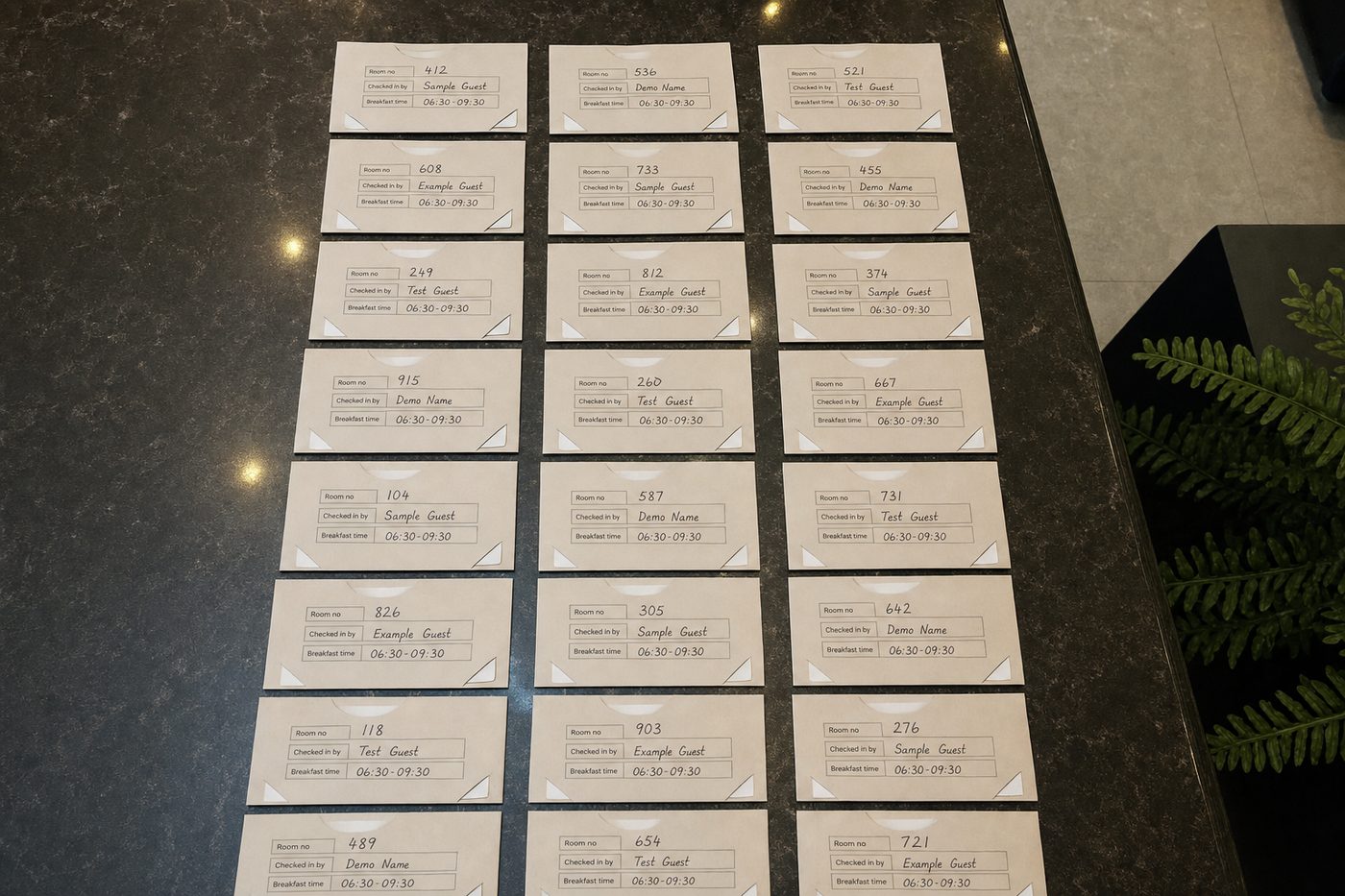
Hybrid mode for real operations
Many teams mix methods, and that is normal. PrintKey can print the whole group with names (and breakfast) while leaving the room number off until the assignment is locked. Dirty or still-moving rooms get a name holder; inspected rooms get the number on the print.
If a room is assigned late, some desks write that number on by hand rather than reprinting the full run. The goal is not a perfect, all-printed set. It is a table that is mostly ready, with a small manual tail instead of 100 handwritten holders.
Quick quality check before table release
- Spot-check five random names against source list.
- Check room numbers for inspected-only logic.
- Confirm breakfast time is correct for this date.
- Scan table for upside-down or rotated holders.
Where PrintKey fits
PrintKey is designed for hotels that want to stop peeling stickers onto keycard holders. You paste a MEWS (or similar) guest export, review the list, and print names directly onto A7 holder inserts: room number, guest name, and breakfast time in one layout.
That does not remove late exceptions or key clipping, but it removes the sticker sheet and the hand-placement step for the bulk of the group.